Professional eBook Formatting & EPUB Conversion Services
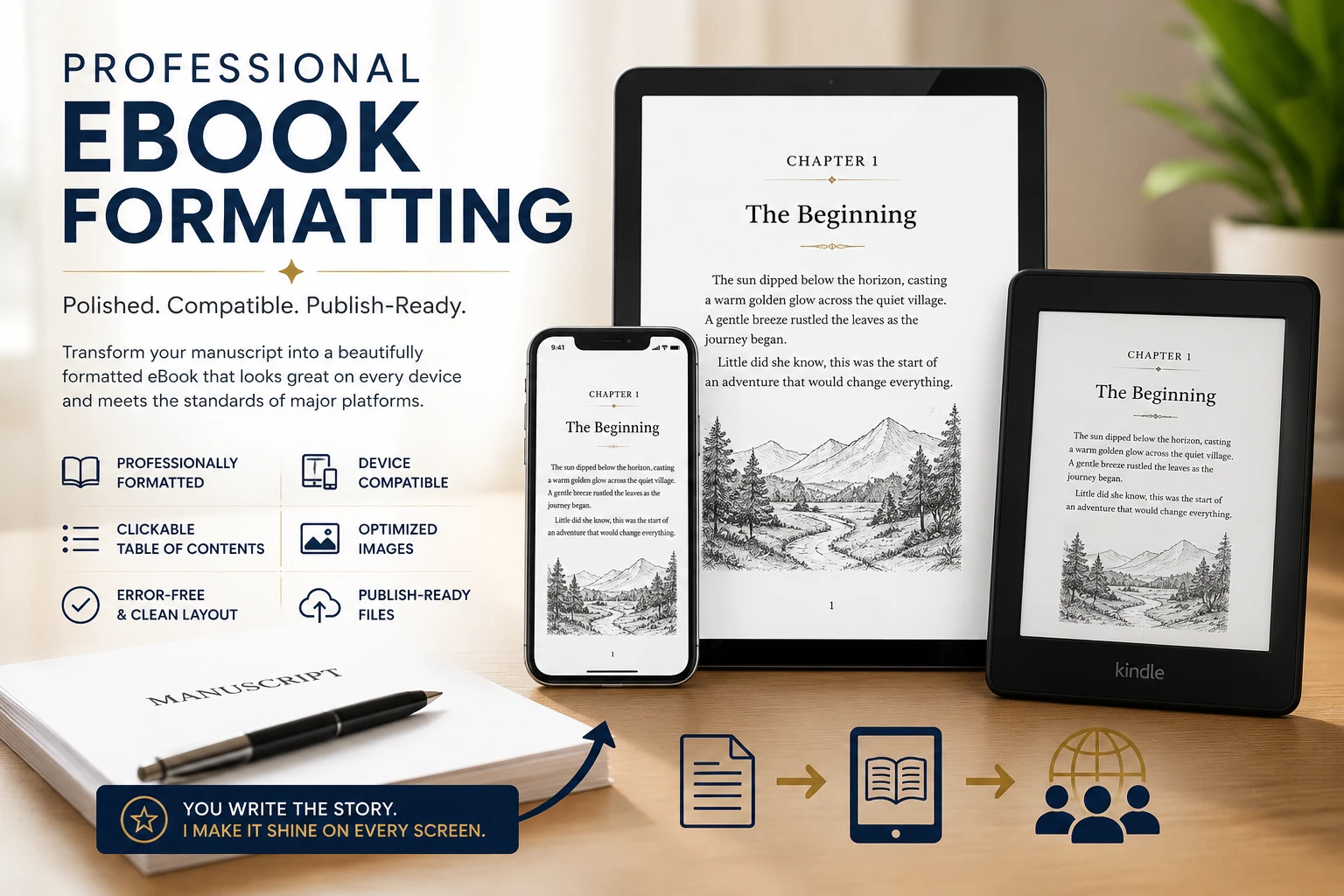
Advanced EPUB3 Creation & File Repair for Gauteng Authors
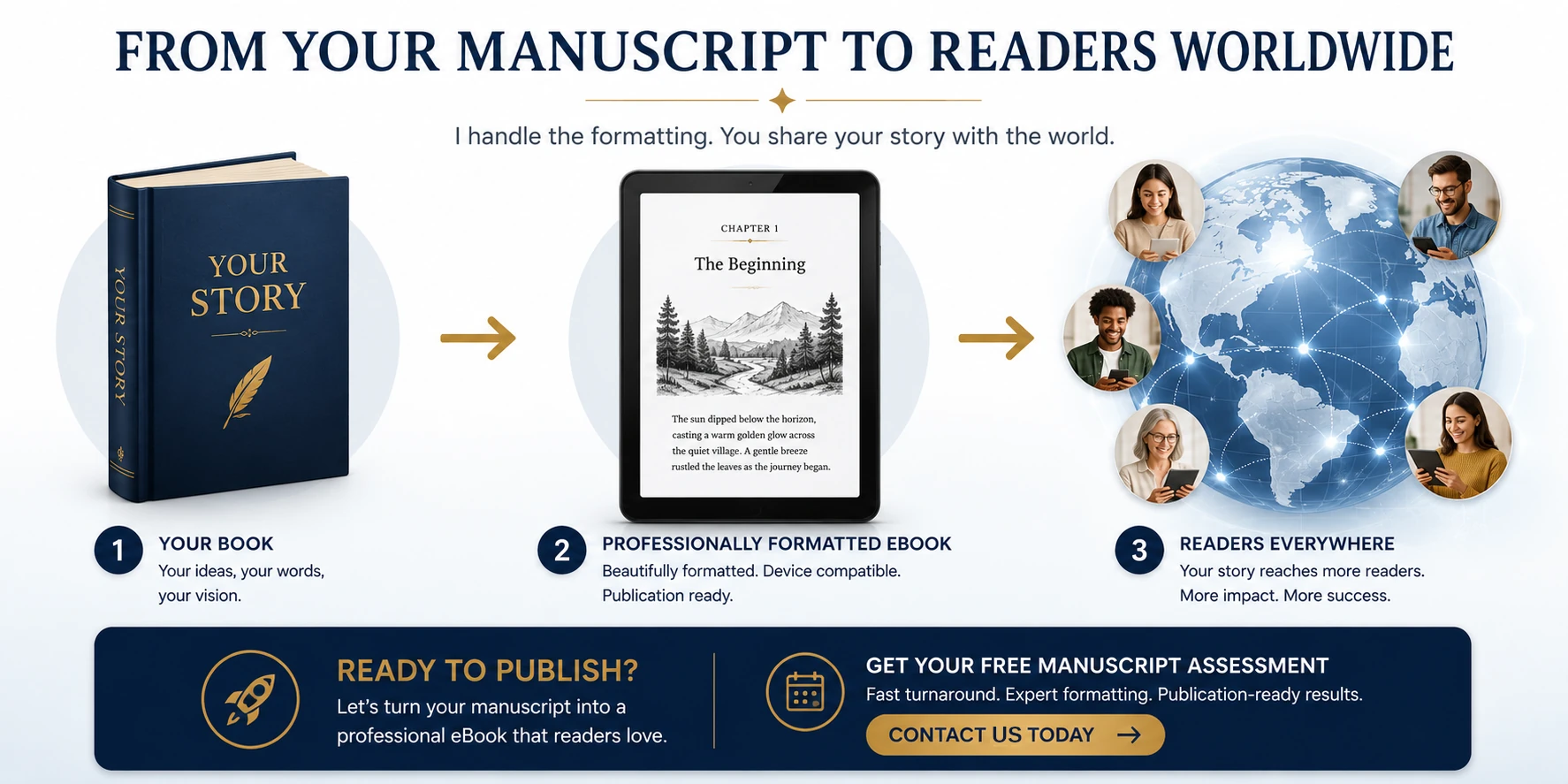
Transform your manuscript into a professionally formatted eBook that looks beautiful on Kindle, Kobo, Apple Books, Google Play Books, and other major reading platforms.
Whether you’ve written a novel, memoir, business book, children’s book, or educational guide, I ensure your eBook delivers a smooth, professional reading experience across all devices.
What You’ll Receive
✓ Professionally formatted eBook
✓ Clean chapter navigation
✓ Clickable Table of Contents
✓ Device-compatible formatting
✓ Reader-friendly layout
✓ Publication-ready files
✓ Optimized images
✓ All source documents
Ready to Publish Your Book?
Get a free quote for your project. No obligation, no hidden fees.
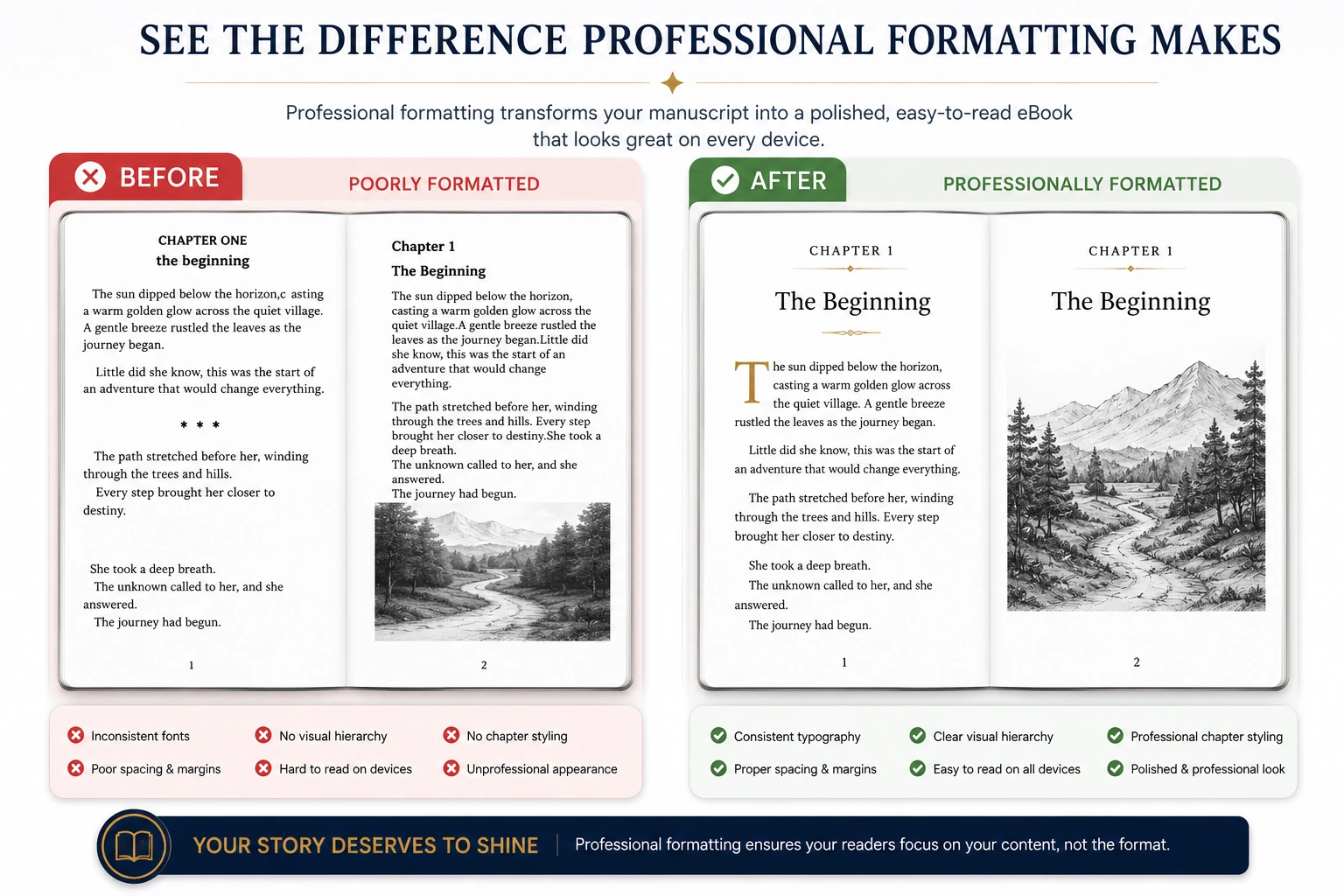
Why Professional eBook Formatting Matters
Many authors spend months—or years—writing their book, only to publish an eBook that looks unprofessional.
Common problems include:
❌ Broken chapter spacing
❌ Broken navigation
❌ Images that do not render well on smaller devices
❌ Inconsistent fonts
❌ Images that don’t scale properly
❌ Missing page breaks
❌ Kindle conversion errors
❌ Formatting that looks different on various devices
Professional formatting ensures your readers focus on your content—not formatting mistakes.
Additional Reading Resources to Make your Book a Success
How the eBook Formatting Process Works
Flow Diagram 1: Client Journey

Step 1: Manuscript Review
Before formatting begins, we review your manuscript to identify:
✓ Heading structure
✓ Tables and lists
✓ Chapter organization
✓ Footnotes and references
✓ Image requirements
✓ Potential formatting issues
This allows problems to be identified before conversion begins.
Step 2: Professional Formatting
Your manuscript is transformed into a structured eBook format.
Formatting Includes
✓ Chapter styling
✓ Heading hierarchy
✓ Paragraph formatting
✓ Consistent typography
✓ Hyperlinks
✓ Scene breaks
✓ Proper spacing
The result is a clean and professional reading experience.
Step 3: Navigation Creation
Modern eBooks require intuitive navigation.
Navigation Features
✓ Clickable Table of Contents
✓ Metadata Setup
✓ Chapter Links
✓ Internal Navigation
✓ Reader-Friendly Structure
Readers can quickly move through your book with a single tap.
Step 4: Image Optimization
Images often create the biggest formatting problems.
We optimize images to ensure:
✓ Fast loading
✓ Proper scaling
✓ Sharp display quality
✓ Device compatibility
Ideal for:
✓ Children’s books
✓ Cookbooks
✓ Educational books
✓ Illustrated guides
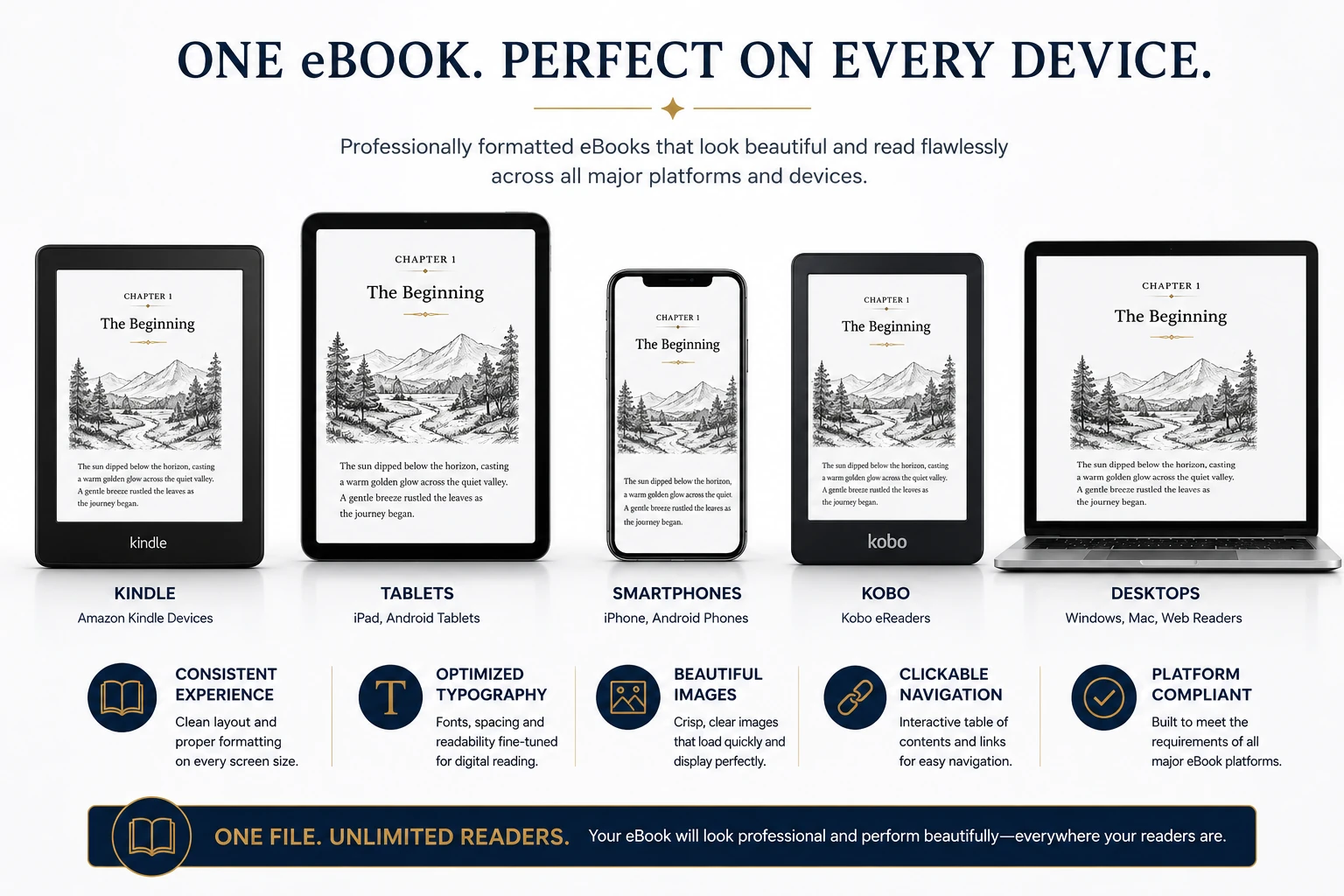
Step 5: Device Testing
Your eBook is tested to verify performance across different screen sizes and reading environments.
Tested For
✓ Mobile phones
✓ Tablets
✓ eReaders
✓ Kindle devices
✓ Desktop reading apps
The goal is a consistent reading experience regardless of device.
Diagram 2: Device Compatibility Workflow
Types of Books Triomarketers Formats
Fiction
✓ Novels
✓ Short story collections
✓ Fantasy
✓ Romance
✓ Mystery
✓ Science fiction
Non Fiction
✓ Business books
✓ Self-help books
✓ Memoirs Biographies
✓ Educational books
Children’s Books
✓ Storybooks
✓ Picture books
✓ Early readers
✓ Educational titles
Specialty Books
✓ Cookbooks
✓ Poetry books
✓ Workbooks
✓ Training manuals
✓ Illustrated guides
Why Authors Choose Professional Formatting
Better Reader Experience
A well-formatted book feels professional and trustworthy.
Fewer Publishing Problems
✓ Formatting errors are one of the most common causes of publishing delays.
✓ Professional formatting reduces the risk of:
✓ Upload errors Device compatibility issues
✓ Reader complaints
Higher Perceived Quality
✓ Readers often judge a book’s quality within the first few pages.
✓ Professional formatting helps create a positive first impression.
Diagram 3: DIY vs Professional Formatting
Frequently Asked Questions
What file should I send?
Microsoft Word (.docx) is preferred, but other formats can usually be accommodated.
Can you format books with images?
Yes. Children’s books, educational books, manuals, and illustrated books are all supported.
Can you fix formatting problems in an existing eBook?
Absolutely. Existing eBooks can be reviewed, repaired, and optimized.
Do you create Kindle-ready files?
Yes. Files can be prepared for Kindle and other major eBook platforms.
Can you format a series of books?
Yes. Consistent formatting can be applied across an entire series.
Ready to scale your business with transparent rates? View our tailored packages and check out the competitive trio marketers pricing plans to choose the right fit for your budget.
Ready to Publish Your Book?
You’ve invested time and effort into writing your book.
Let me help you present it professionally with expert eBook formatting designed for today’s digital readers.